Designed for you, never a template
Every invitation is generated from your description, so no two look alike. Upload a photo or your own Canva design and build from there.
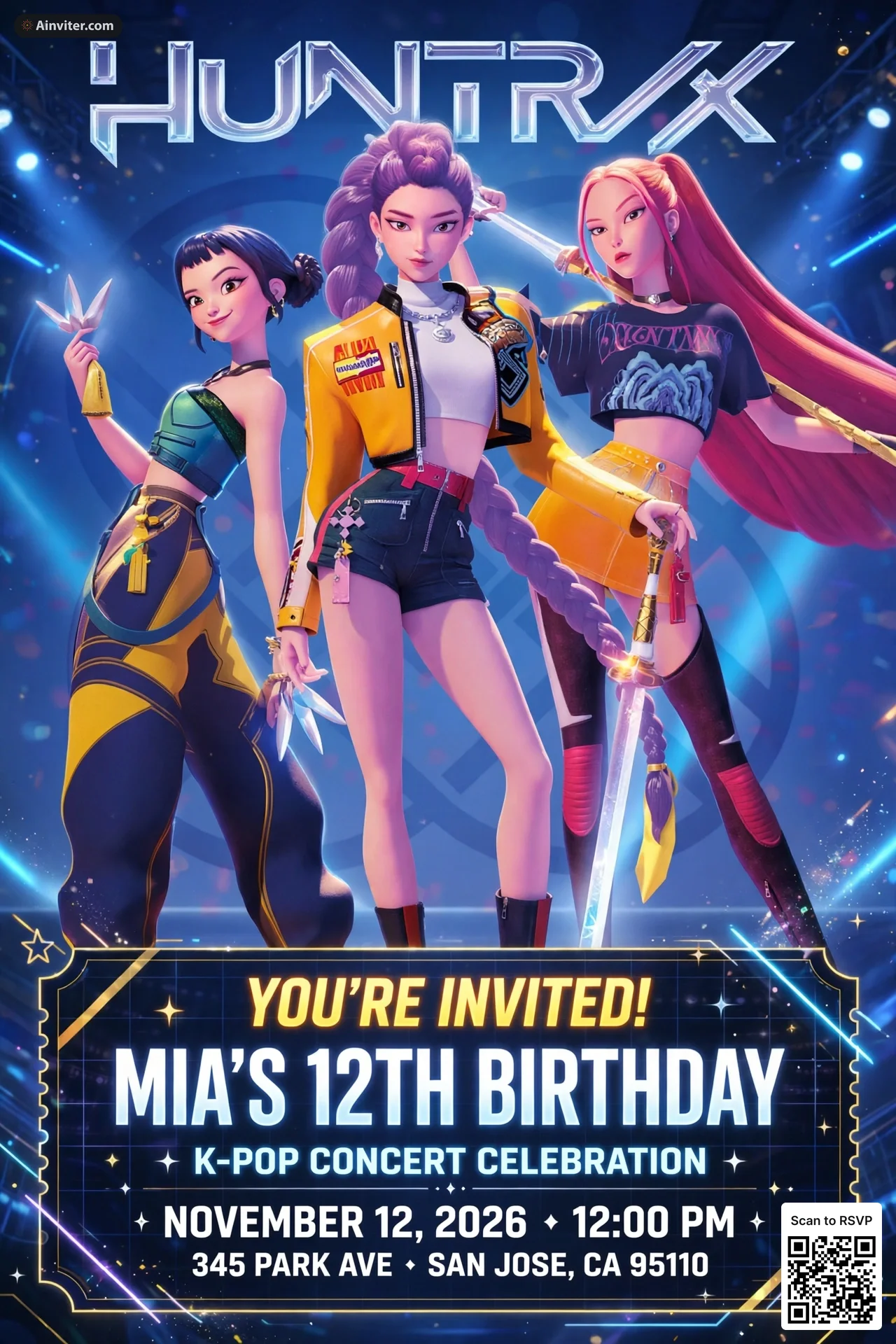
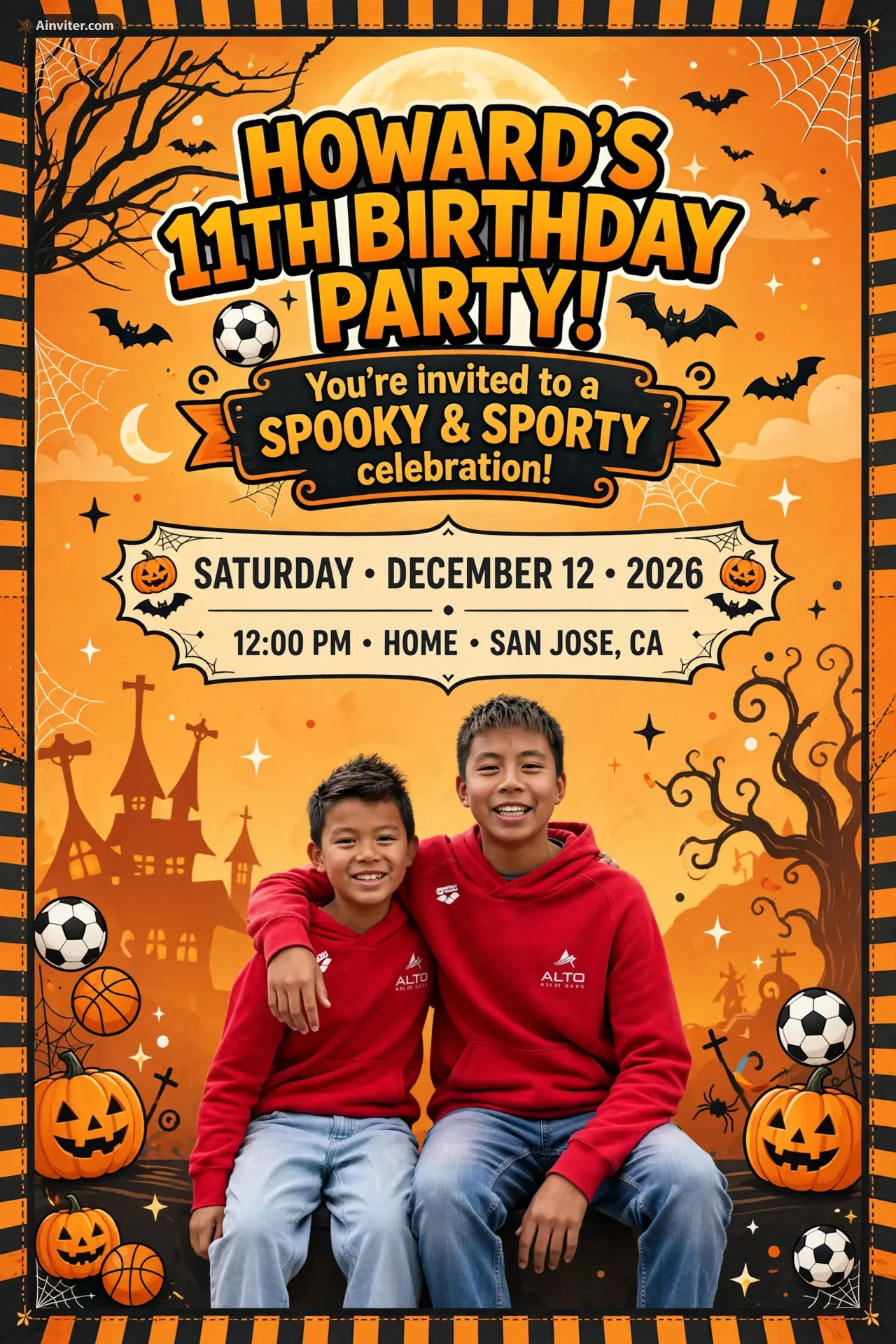
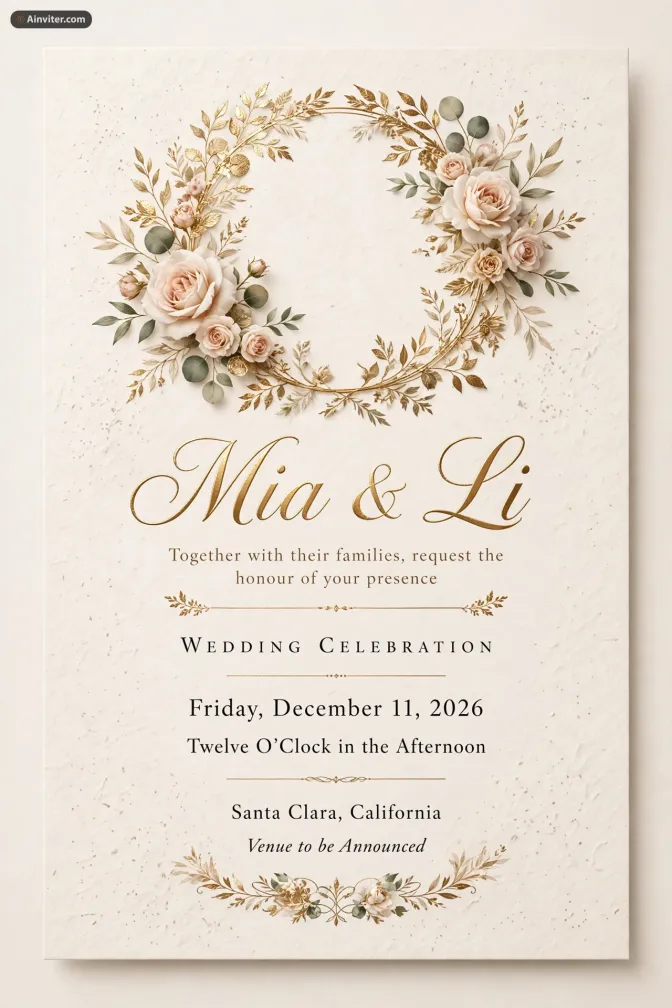
Any occasion, any design
Make their royal birthday wish come true. Create a magical princess invitation with AI, share it, and collect RSVPs. Start free.
Video invitations
Turn your invitation and your favorite photos into a beautiful video in just a few clicks—perfect for wedding invitations.
Design, share, track
Beautiful invites. Easy RSVPs. More time to celebrate.
Every invitation is generated from your description, so no two look alike. Upload a photo or your own Canva design and build from there.
Send by link, text, or email—or print a QR code for a classroom handout. Guests RSVP without downloading an app.
Attending, declined, and still waiting—at a glance. Guest messages and event updates stay attached to the invitation.

Nudge the people who haven't answered without chasing them one by one. Edits reach every guest through the same link.
More than a card
Every invitation comes with its own event page. Mix in the features that fit your party—guests see it all from the same link.
Flip one switch and AI brings your design to life as a 5‑second video that plays right on the invitation. Included with Premium.
Add up to 10 pages after your cover—a schedule, venue map, dress code, or registry. Guests tap or swipe through them like a printed invitation suite.
Add up to 12 photos with captions—baby pictures, your story as a couple, or last year’s party. Guests flip through the slideshow right below the invitation.
Make an entrance. Pick a reveal animation—Split curtain, Ink bleed, Neon flicker, Stamp slam, and more—that plays the moment guests open the link.
Choose how guests respond: stacked cards, round icons, a Yes / Maybe / No pill, or playful emoji reactions.
Set the soundtrack. Add a song or playlist from Spotify or YouTube Music, and guests can press play right on the invitation.
Guests post messages, photos, videos, and GIFs and react with emoji—so the excitement builds before the party and the memories stay after.
Let guests vote on the menu, the theme, or the date. Single or multiple choice, with results shown or kept private.
Throwing it together? Add co-hosts with a photo, short bio, and contact details so guests know who to reach.
Dress code, parking, itinerary, gift options, custom questions, and more—add what guests need without squeezing it onto the face of the invitation.
Watch it in action
From a one-line idea to a finished invitation, shared and tracked—no design skills needed.
Trusted by hosts
“Ainviter made a custom invite in seconds. I shared it on WhatsApp and RSVPs started coming in right away.”

Florida R.
A busy parent
“I printed the invite with its RSVP QR code. Parents scanned and responded—no more random texts.”

Sarah M.
Classroom mom
“I uploaded a Canva screenshot, and AI turned it into a live RSVP invite instantly.”

Marcus T.
Baby shower host
“I sent an update, and everyone got the latest party details instantly.”
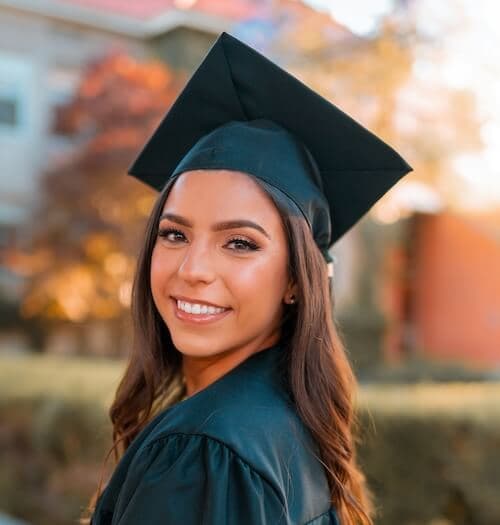
Christina C.
Graduation celebration
Common questions
Yes. Ainviter sends invitations by text message. Guests receive a text with a link to view and RSVP — no app download required.
Yes. Upload a Canva design as a style reference to add RSVP functionality, a QR code, and guest tracking. Start in Canva, finish in Ainviter.
Yes. Tap "Use your own design" below the chat box and upload your invitation image (PNG, JPEG, or WebP). AI reads the event details from the design, and your image becomes the first version of the invitation — no watermark — with RSVP tracking, sharing, and AI edits built in.
Yes. Turn on Multi-page to add up to 10 pages — a schedule, venue map, dress code, or registry — after your cover. Guests tap or swipe to flip through them like a printed invitation suite.
Creating and sharing invitations is free for up to 12 RSVPs per event — no credit card needed. Pro ($6.99/event) supports 50 RSVPs. Premium ($12.99/event) adds unlimited RSVPs and AI-generated video invitations.
Yes. With Premium ($12.99/event), the video studio turns your invitation and up to 4 of your photos into a 5 to 10-second video in a few clicks. Add a reveal like a wax seal envelope or balloons, and the people in your photos come to life. Perfect for weddings and save-the-dates.
For casual parties, two to three weeks. For weddings or graduations, four to six weeks. Since you can edit after sharing, send early and update details later.
Yes. Edit the text, event details, photos, or reminders anytime — guests always see the latest version through the same link.
Yes. Describe your event in Spanish, French, Portuguese, German, Italian, Dutch, or other languages and the AI designs the invitation in that language.
Every design is generated uniquely for you from your description — never a template. RSVP tracking, QR codes, email and text message delivery are included at no extra cost.
Castles, sparkle, and a royal welcome. Create a princess invitation in seconds and gather your guests with easy RSVPs.